A free skill for Claude
One ad,
one page.
Your ad makes a promise. This skill checks whether the page it opens keeps it, tells you exactly what to fix, then builds a page that does.
Download the skill (.zip)The three rules it checks
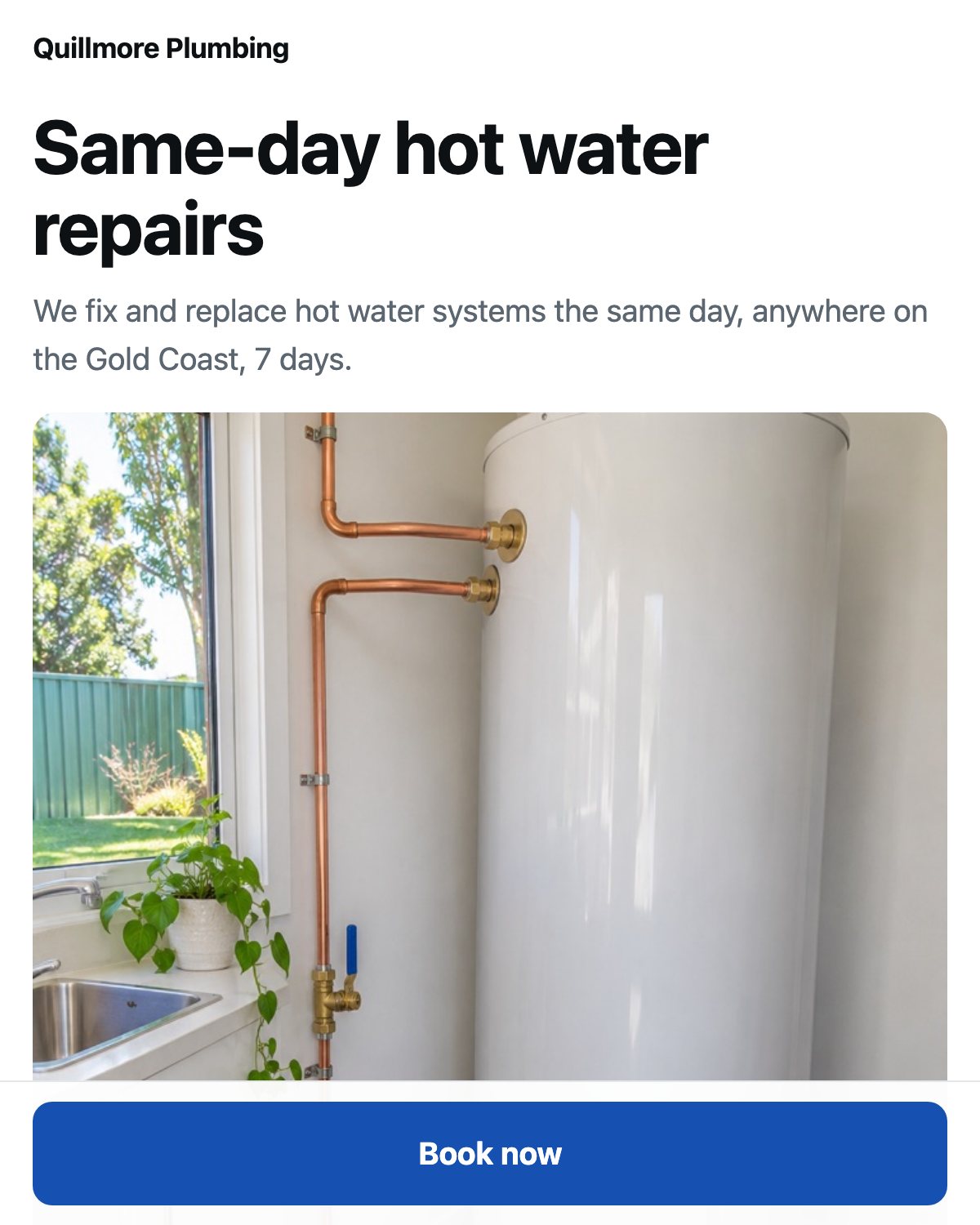
Same promiseThe page's headline repeats what the ad promised, in the ad's own words.
Same imageThe first thing on the page is the ad's image, so people know they are in the right place.
One buttonOne thing to do. No menu, no links away, no second offer.
What you get back
- The click test: what a stranger sees in the first five seconds on a phone.
- The audit: each rule passed or failed, with your ad and your page quoted side by side, and the exact fix.
- The page: one HTML file, fast on a phone, with your ad's promise, your image and one button. Ready to upload, or to rebuild in Squarespace, Wix or Shopify.
Install it
Claude (web and desktop app)
- In Settings, then Capabilities, turn on Code execution and file creation (called Create and edit files in newer versions).
- Go to Customize, then Skills, click +, then Create skill, then Upload a skill.
- Choose
one-ad-one-page.zip. It appears in your list, switched on.
Claude Code
unzip one-ad-one-page.zip -d ~/.claude/skills/
Codex
unzip one-ad-one-page.zip -d ~/.agents/skills/
Use it
Start a new chat, attach a screenshot of your ad and say:
Use the one-ad-one-page skill. Here is my ad, and it links to https://your-site.com.au/. Check it, then build me the page.
No page yet? Just send the ad and the link people should end up on (your booking page, phone number or checkout).